
AI Coding vs Human Developers in 2027: Will Programmers Be Replaced?
AI Coding vs Human Developers in 2027: Will Programmers Be Replaced?
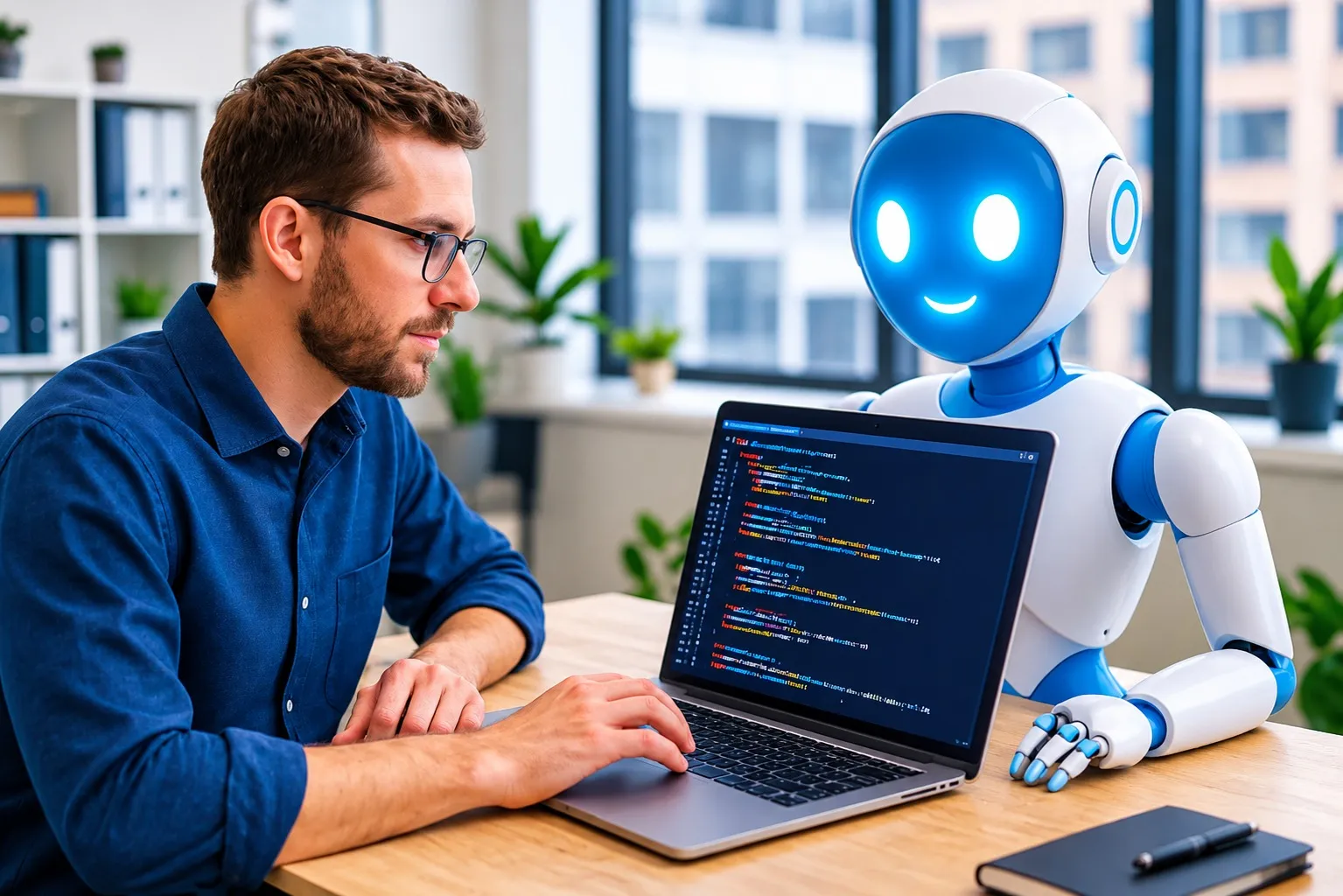
Artificial intelligence is changing the way software is developed. From generating entire applications to fixing bugs and writing complex code, AI coding tools are becoming an essential part of modern programming. Tools such as GitHub Copilot, Claude Code, OpenAI Codex, and Cursor are helping developers complete tasks that previously required hours of manual work.
But this rapid progress raises an important question: Will AI replace human software developers in 2027? As AI models become more capable and autonomous coding agents improve, some programming tasks are already being automated. However, building reliable software requires much more than simply writing code.
In this article, we will explore the differences between AI coding and human programming, examine the latest industry research, compare their strengths and weaknesses, and discuss what software developers can expect in 2027.
What Is AI Coding?
AI coding refers to using artificial intelligence models and specialized coding assistants to write, understand, debug, test, and improve computer programs.
Modern AI coding tools can understand natural-language instructions and convert them into programming code. Developers can describe what they want to build, and an AI assistant can generate functions, create application components, suggest solutions, and explain programming errors.
Some advanced tools also work as autonomous coding agents. Instead of generating only a small piece of code, these agents can inspect project files, modify multiple files, execute commands, run tests, and attempt to fix errors.
Popular AI coding tools include:
- GitHub Copilot: An AI-powered coding assistant that provides code suggestions, explanations, and agent-based development features.
- Claude Code: An AI coding agent that can understand codebases, edit files, run commands, and assist with software development tasks.
- OpenAI Codex: An AI coding agent designed to help developers write, review, and work on software projects.
- Cursor: An AI-powered code editor that helps developers generate, edit, and understand code.
- Gemini Code Assist: Google's AI coding assistant for generating, explaining, and improving software code.
How AI Coding Is Changing Software Development in 2026
AI coding has moved beyond simple autocomplete suggestions. Developers can now use AI assistants to understand unfamiliar projects, generate tests, identify bugs, and automate parts of their development workflow.
According to the Stack Overflow Developer Survey 2026, approximately 65.9% of respondents reported using AI coding assistants or coding agents in their professional work.
The survey also found that 73% of AI coding assistant users use these tools daily. This shows how quickly AI has become part of everyday software development.
Another important development is the growing popularity of autonomous coding agents. These tools can perform multiple development tasks with less continuous human interaction.
For example, a developer can ask an AI coding agent to:
- Create a basic website using HTML, CSS, and JavaScript.
- Build application components using React.
- Generate backend APIs using Python or Node.js.
- Identify and fix programming errors.
- Write unit tests for existing functions.
- Explain unfamiliar code and project structures.
- Suggest improvements to existing software projects.
However, AI-generated code still needs testing, review, and validation before it can be safely used in production applications.
AI Coding vs Human Developers: Key Differences
AI systems and human programmers approach software development differently. AI tools are particularly useful for generating code and automating repetitive tasks, while human developers bring experience, judgment, creativity, and an understanding of real-world requirements.
| Feature | AI Coding | Human Developers |
|---|---|---|
| Code generation | Fast and automated | Requires manual effort |
| Debugging | Can identify and suggest fixes | Can investigate deeper context |
| Problem-solving | Depends on instructions and context | Can independently define problems |
| Creativity | Generates ideas from learned patterns | Uses experience and original judgment |
| Code review | Can automate initial checks | Evaluates requirements and risks |
| Security | Can identify potential vulnerabilities | Can assess broader security implications |
| Repetitive tasks | Highly automatable | Often time-consuming |
| Accountability | Does not take organizational responsibility | Can own decisions and outcomes |
The comparison shows that AI and human developers have different strengths. The most practical development workflow combines AI assistance with human supervision.
1. Why AI Coding Tools Are Becoming So Popular

One major reason behind the growth of AI coding tools is productivity. Developers spend considerable time writing repetitive code, searching documentation, debugging errors, and understanding existing projects.
AI assistants can reduce the time required for many of these tasks.
Faster Code Generation
AI coding assistants can generate functions, classes, database queries, and application components from simple instructions. Instead of writing every line manually, developers can describe the required functionality and review the generated implementation.
Automated Debugging
AI tools can analyze error messages, inspect code, suggest possible causes, and recommend fixes. This can make debugging easier, especially when working with unfamiliar programming languages or frameworks.
Learning New Technologies
Developers can use AI to understand unfamiliar frameworks, programming concepts, libraries, and APIs. Beginners can also ask for explanations and practical examples while learning to code.
Faster Testing and Documentation
AI can generate test cases, suggest edge cases, and produce technical documentation. These capabilities help development teams reduce repetitive work and focus on more complicated engineering tasks.
2. The Limitations of AI Programmers
Despite significant improvements, AI coding tools are not perfect. They can generate incorrect code, misunderstand requirements, introduce security vulnerabilities, and make changes that do not fit the existing project architecture.
Some important limitations include:
- Incorrect code: AI can produce code that looks correct but fails during execution.
- Limited context: Large projects may contain complex dependencies and business rules that are difficult for an AI agent to understand completely.
- Security risks: Generated code may contain insecure configurations, vulnerable dependencies, or authentication mistakes.
- Hallucinations: AI may suggest nonexistent functions, incorrect APIs, or outdated programming methods.
- Debugging complexity: Some difficult problems require investigation beyond the error messages and code provided to an AI system.
- Human supervision: Production software still requires testing, validation, and responsible technical decisions.
The Stack Overflow 2026 survey found that developers frequently validate AI-generated responses by running code locally, comparing it with their existing codebase, and checking tests and security implications.
This demonstrates that AI-generated code is not automatically ready for production use.
3. Will AI Replace Junior Developers in 2027?
One of the biggest concerns among programming students and junior developers is whether AI will reduce entry-level software development opportunities.
AI can already perform many beginner-level programming tasks, including writing simple scripts, creating basic websites, generating CRUD operations, and fixing common errors.
As these tasks become easier to automate, companies may change the responsibilities they assign to entry-level developers.
However, junior developers still need to understand programming fundamentals, software architecture, debugging, databases, and application development.
A particularly important research paper published in Science in 2026 examined AI coding adoption using more than 30 million GitHub commits from 160,097 developers. The researchers found that experienced developers appeared to benefit more from AI-assisted coding than early-career developers, who showed no significant measurable productivity gains in their analysis.
This suggests that knowing how to use AI effectively is not enough. Developers also need the technical knowledge to understand, evaluate, and improve the code it generates.
4. Will Senior Software Developers Also Be Replaced?
Senior developers have different responsibilities from junior programmers. Their work often involves designing large systems, making architectural decisions, reviewing code, managing technical risks, and solving complicated engineering problems.
AI can assist with many of these responsibilities, but replacing an experienced developer requires more than generating code.
For example, consider a company building an online banking application. An AI tool might generate the login system, database queries, and application interface. However, experienced developers still need to consider:
- Authentication and authorization architecture.
- Data privacy and regulatory requirements.
- Database reliability and transaction management.
- Security testing and vulnerability prevention.
- Application performance and scalability.
- System monitoring and production reliability.
These decisions require technical judgment and an understanding of the organization's actual requirements.
Senior developers who understand how to integrate AI into their workflows may be able to complete more work, review larger projects, and focus on higher-level engineering responsibilities.
5. AI Coding Tools vs Human Developers: Productivity Comparison
AI coding tools can significantly increase the amount of code developers produce, but producing more code does not always mean delivering more successful software.
A 2026 National Bureau of Economic Research working paper titled Writing Code vs. Shipping Code examined data from more than 500,000 GitHub developers.
The study found substantial increases in coding activity associated with different generations of AI coding tools. However, those gains became smaller when researchers measured completed projects and actual software releases.
This distinction is important because software development involves several stages:
- Understanding the problem.
- Planning the software architecture.
- Writing the code.
- Testing and debugging.
- Reviewing security and performance.
- Deploying and maintaining the application.
AI can accelerate the coding stage, but the entire software development process still depends on multiple technical and organizational factors.
6. Which AI Coding Tools Should Developers Learn in 2027?

Developers who want to remain competitive should become familiar with modern AI coding assistants and understand how to use them effectively.
Here are some important tools worth exploring:
GitHub Copilot
GitHub Copilot provides AI-powered code completion, explanations, and development assistance. It integrates with popular development environments and can help automate common programming tasks.
Official website: GitHub Copilot
Claude Code
Claude Code is an AI coding agent that can understand project structures, edit multiple files, execute commands, and assist with complex development workflows.
Official website: Claude Code
OpenAI Codex
OpenAI Codex helps developers work on software engineering tasks using AI agents. It can assist with implementing features, fixing bugs, reviewing changes, and working across codebases.
Official website: OpenAI Codex
Cursor
Cursor is an AI-powered code editor designed to make programming more efficient. Developers can use it to understand codebases, generate code, and make changes using natural-language instructions.
Official website: Cursor
Gemini Code Assist
Gemini Code Assist provides AI-powered programming assistance, code generation, explanations, and debugging support across supported development environments.
Official website: Gemini Code Assist
7. Which Programming Skills Will Matter Most in 2027?
As AI automates more routine programming tasks, developers should focus on skills that help them build, understand, and maintain reliable software.
Here are some important skills to develop:
- Problem-solving: Learn how to break complicated problems into smaller technical tasks.
- Data Structures and Algorithms: Understand how programs process information efficiently.
- System Design: Learn how to design scalable and reliable applications.
- Cybersecurity: Understand authentication, authorization, secure coding, and common vulnerabilities.
- Database Management: Develop practical knowledge of SQL, database design, and data management.
- AI Tool Integration: Learn how to use AI coding agents effectively and validate their output.
- Cloud Computing: Understand deployment, infrastructure, and cloud-based applications.
- Code Review and Testing: Learn how to evaluate generated code and identify technical problems.
Developers who combine strong programming fundamentals with AI-assisted development skills will be better prepared for changing software engineering workflows.
8. AI Coding vs Human Developers: What to Expect in 2027
Looking toward 2027, several developments could influence the future of software engineering. These are reasonable industry scenarios rather than guaranteed predictions.
More Autonomous Coding Agents
AI coding agents are likely to become more capable of handling multi-step development tasks. Instead of generating isolated functions, they may increasingly assist with implementing features, writing tests, reviewing changes, and fixing bugs across entire projects.
Less Manual Repetitive Coding
Routine programming tasks such as generating boilerplate code, creating basic components, and writing standard tests may require less manual effort.
Greater Importance of Software Architecture
As code generation becomes easier, understanding how different components work together will become increasingly important. Developers will need to design systems that are secure, maintainable, and scalable.
Changing Developer Job Requirements
Employers may increasingly look for developers who can work with AI tools, review generated code, solve complicated problems, and deliver complete software products.
More Focus on AI Security
AI-generated code introduces additional review requirements. Security testing, dependency management, data protection, and code validation will remain important parts of professional development.
9. Should You Learn Programming If AI Can Write Code?
Yes. Learning programming remains valuable even when AI tools can generate large amounts of code.
Without programming knowledge, it can be difficult to identify incorrect AI-generated code, understand application errors, evaluate security problems, or modify a complex software project.
For students and beginners, the best approach is to learn programming fundamentals while using AI tools to improve understanding and productivity.
For example, if you are learning Python, you can ask an AI assistant to explain a function, generate practice exercises, identify errors, and demonstrate alternative solutions. However, you should still try to solve problems independently.
The goal should be to become a developer who understands programming and knows how to use AI effectively.
Final Verdict: AI Coding vs Human Developers in 2027
AI coding tools are changing software development, but the idea that human programmers will completely disappear by 2027 is not supported by current evidence.
AI is becoming increasingly capable of generating code, automating repetitive work, and assisting with debugging and testing. At the same time, professional software development requires problem-solving, architecture, security, system design, and responsibility for the final product.
The biggest change may not be the replacement of human developers, but the transformation of their responsibilities.
Developers who understand programming fundamentals and know how to work effectively with AI tools may be able to build software more efficiently and take on more complex projects.
The future of programming is likely to involve both AI and human developers working together. Instead of competing against AI, programmers should learn how to use it as a tool to improve their skills and productivity.
Frequently Asked Questions (FAQs)
1. Will AI replace software developers in 2027?
AI is unlikely to completely replace software developers in 2027. It can automate many programming tasks, but software development still requires human problem-solving, architecture, security reviews, testing, and technical decision-making.
2. Will AI replace junior developers?
AI may automate some beginner-level programming tasks and change entry-level job requirements. However, junior developers who understand programming fundamentals and can use AI tools effectively will continue to have opportunities.
3. Can AI write an entire application?
AI coding agents can generate substantial parts of an application, including frontend components, backend logic, and tests. However, complex applications still require human planning, review, integration, and validation.
4. Which AI coding tool is best for developers?
Popular options include GitHub Copilot, Claude Code, OpenAI Codex, Cursor, and Gemini Code Assist. The appropriate tool depends on the programming workflow, project requirements, budget, and preferred development environment.
5. Should beginners learn coding or AI tools first?
Beginners should learn programming fundamentals while gradually incorporating AI tools into their learning process. Understanding code is essential for checking AI-generated solutions and building reliable applications.
6. Will software engineering jobs disappear because of AI?
AI may change the number and types of tasks software engineers perform. Some repetitive responsibilities could become automated, while demand may grow for skills involving system architecture, security, AI integration, and complex problem-solving. The overall employment impact remains uncertain.
7. What programming languages should developers learn in 2027?
Python, JavaScript, TypeScript, Java, C++, and SQL remain useful languages to learn. The right choice depends on whether you want to work in web development, AI, backend engineering, mobile development, or systems programming.
Frequently Asked Questions
Is this guide beginner friendly?
Yes. This tutorial is written step-by-step for beginners.
Does this work in 2026?
Yes. This article is updated regularly with latest changes.
Where can I learn more?
Browse more tutorials on LoopGuy.

Comments (0)
No comments yet. Be the first to comment!
Leave a Comment