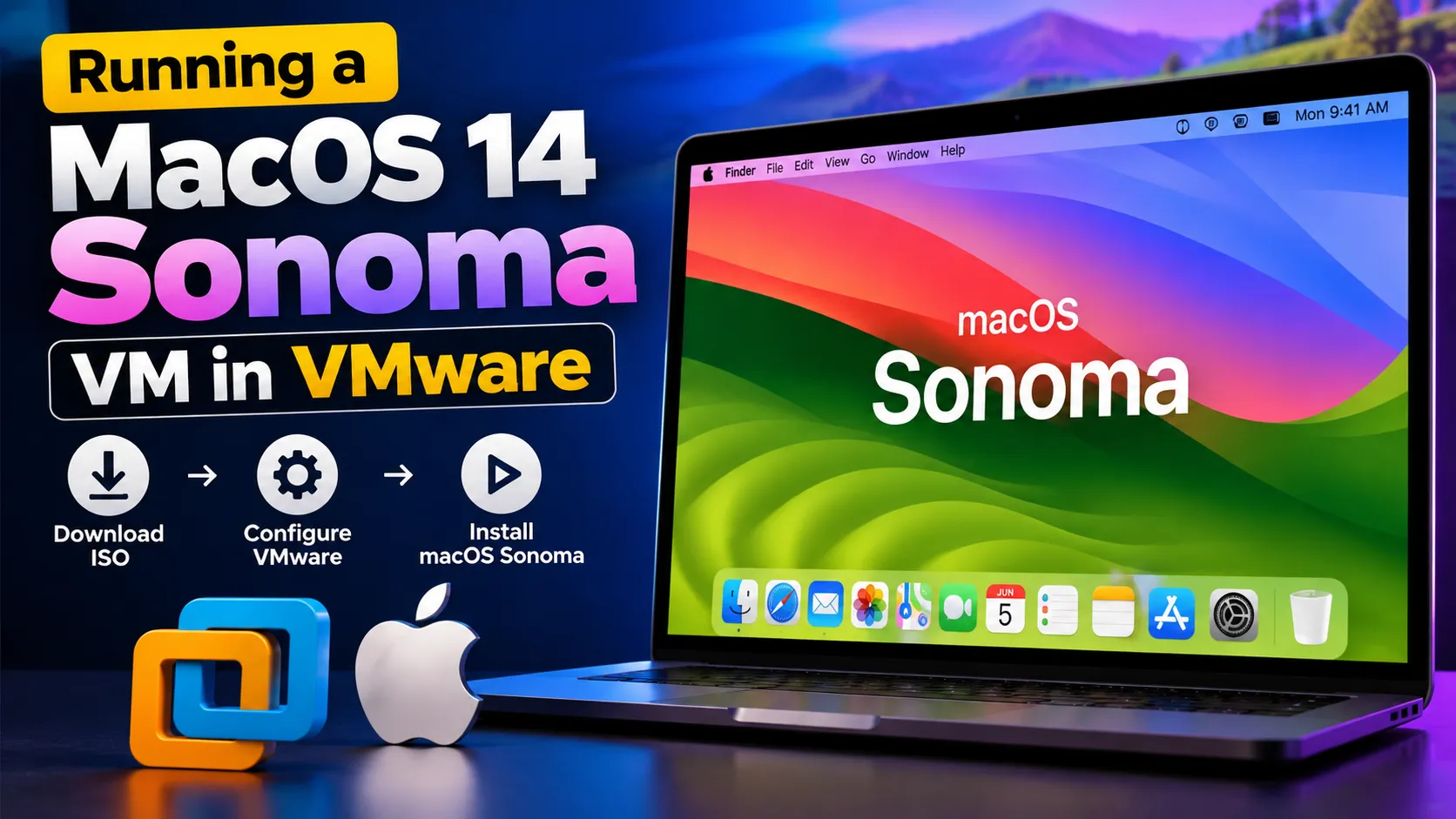
How to Install macOS 14 Sonoma on VMware (Step-by-Step Guide) | LoopGuy
Learn how to run macOS 14 Sonoma as a virtual machine in VMware Workstation Player. This complete tutorial covers downloading the ISO, applying the macOS Unlocker, editing critical .vmx settings (board-id, vmxnet3, hw.model), creating the VM, installing macOS Sonoma, and setting up VMware Tools with darwin.iso. Perfect for developers and enthusiasts who need macOS on Windows or Linux.
Continue reading this post