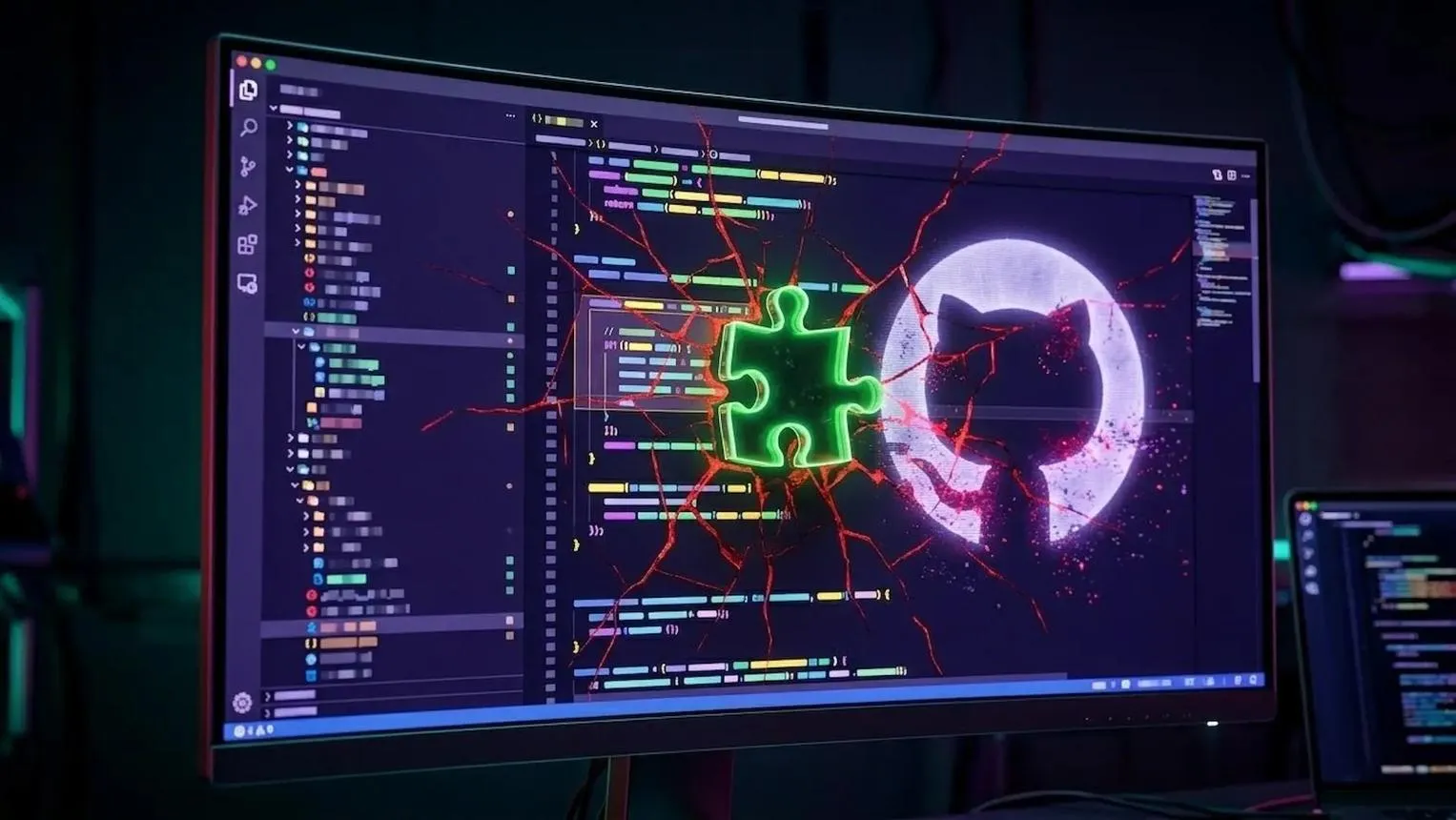
Malicious VS Code Extension Steals GitHub Tokens: What Developers Need to Know
Malicious VS Code Extension Steals GitHub Tokens: What Developers Need to Know
A trusted developer tool can become a serious security threat when attackers compromise its software supply chain. In a major cybersecurity incident in May 2026, a malicious version of the popular Nx Console VS Code extension was distributed through the official Visual Studio Marketplace. The compromised release was designed to steal sensitive developer credentials, including GitHub tokens, cloud credentials, and other secrets.
The incident had serious consequences: GitHub confirmed that approximately 3,800 internal repositories were accessed and exfiltrated following the compromise of an employee's device. The incident highlights an important security lesson: even extensions downloaded from trusted marketplaces can become dangerous when their publishing or update mechanisms are compromised.
What Happened? The Malicious VS Code Extension Attack
The attack involved Nx Console, a popular developer extension used by programmers working with Nx and Lerna projects. It provides tools for managing development workspaces, running tasks, and working with large JavaScript and TypeScript applications.
Attackers managed to distribute a malicious release under the identity of the legitimate Nx Console extension. This made the incident particularly dangerous because developers had little reason to suspect that an update to an already trusted extension could contain malicious code.
According to the official security advisory, the compromised version was published on the Visual Studio Marketplace on May 18, 2026, and remained available for approximately 18 minutes. It was also distributed through OpenVSX for approximately 36 minutes.
The attack exploited the trust developers place in software extensions and their automatic update mechanisms. A compromised update could reach existing users without requiring them to search for or manually install an unfamiliar extension.
Sources: Official Nx Console Security Advisory | NIST National Vulnerability Database
How Did the Attack Work?
The attackers used a compromised extension release to execute malicious code in the developer's environment. Once activated, the extension fetched an additional obfuscated payload designed to search for sensitive information.
Developer machines often contain valuable credentials because programmers regularly authenticate with GitHub, cloud platforms, package registries, and deployment services.
The malicious payload targeted several types of sensitive information, including:
- GitHub Personal Access Tokens: Credentials that can provide access to private repositories and other GitHub resources, depending on their permissions.
- NPM Tokens: Credentials used to publish and manage JavaScript packages.
- AWS Credentials: Access keys and other cloud authentication information.
- Kubernetes Secrets: Sensitive credentials used to access Kubernetes environments.
- SSH Keys: Authentication keys used to access remote systems and servers.
- Other Developer Secrets: Credentials and sensitive information stored in developer environments and configuration files.
After collecting sensitive information, the malicious payload attempted to send the stolen credentials to attacker-controlled infrastructure.
GitHub Data Breach: Approximately 3,800 Internal Repositories Exposed
One of the most significant consequences of the incident was the compromise of a GitHub employee's device.
GitHub confirmed that an employee device had been compromised through a poisoned VS Code extension. Following the incident, the company investigated unauthorized access to its internal repositories and estimated that approximately 3,800 internal repositories had been exfiltrated.
GitHub stated that its initial investigation found no evidence that customer information stored outside its internal repositories, including customers' own organizations and repositories, had been affected.
The company also began rotating critical secrets, isolating the affected endpoint, analyzing security logs, and monitoring its infrastructure for additional suspicious activity.
This incident demonstrates how compromising a single developer workstation can create serious risks for an entire software organization.
Read the official update: GitHub's Investigation into Unauthorized Access to Internal Repositories.
Which VS Code Extension Version Was Affected?
The security incident specifically involved a compromised release of Nx Console. It was not a compromise of every VS Code extension or every version of Nx Console.
- Extension: Nx Console
- Affected version: 18.95.0
- Safe version: 18.100.0 or later
- CVE ID: CVE-2026-48027
- Vulnerability severity: Critical (CVSS 4.0 score: 9.3)
Developers who installed or automatically received the compromised version should not assume that simply uninstalling the extension is enough. Malicious processes and persistence mechanisms may remain on an affected machine.
Check the official advisory for affected-version details and remediation instructions:
View Nx Console Security Advisory
How to Check Your VS Code Extensions for Security Risks
Developers should regularly review their installed extensions and verify that they are using trusted and updated versions.
1. Open Visual Studio Code
- Launch Visual Studio Code.
- Open the Extensions panel using
Ctrl + Shift + X. - Search for Nx Console.
- Check the installed extension and its version.
- Make sure you are running version 18.100.0 or later.
2. Update the Extension
If you are using an older version, update Nx Console to a safe release. The official vendor advisory identifies version 18.100.0 and later as unaffected by this incident.
3. Review Your Installed Extensions
Do not install extensions simply because they have a large number of downloads. Review the publisher, release history, permissions, and project reputation before trusting a developer tool.
What Should You Do If You Installed the Malicious Extension?

If your system may have executed Nx Console version 18.95.0, treat it as a potential credential compromise rather than a routine extension update.
Follow these security steps:
1. Update or Remove the Compromised Extension
Ensure the malicious version is no longer running. Upgrade to Nx Console 18.100.0 or later. If you cannot safely update it, discontinue using the affected extension until you can follow the vendor's remediation guidance.
2. Investigate Your System
Check your system for suspicious processes and persistence artifacts identified in the official Nx Console security advisory.
The vendor specifically identifies suspicious processes such as __DAEMONIZED and cat.py. Do not assume that deleting the extension automatically removes these artifacts.
3. Revoke and Rotate Your Credentials
Immediately review and rotate credentials that were accessible from the affected machine, including:
- GitHub Personal Access Tokens
- GitHub authentication credentials
- NPM publishing tokens
- AWS access keys
- SSH keys
- Kubernetes credentials
- Other API keys and cloud secrets
Prioritize revoking exposed credentials and generating new ones. Also review account permissions and remove unnecessary access.
4. Review GitHub Account Activity
Check your GitHub security logs and account activity for suspicious events, including:
- Unexpected repository cloning activity.
- Unknown authentication sessions.
- Unusual token usage.
- Unexpected changes to repositories.
- New SSH keys or access tokens.
- Unrecognized GitHub Actions workflows.
If you manage an organization, review its audit logs and investigate unusual activity from users, applications, and automation accounts.
5. Follow the Official Incident Response Guidance
For complete remediation instructions, follow the vendor's official postmortem and security advisory rather than relying only on general malware-removal steps.
Official resources:
How Developers Can Prevent Malicious VS Code Extension Attacks
The Nx Console incident highlights the importance of securing developer environments. Even legitimate software can become a security risk if its publishing infrastructure or update process is compromised.
Here are some practical security recommendations:
- Install extensions from trusted publishers: Verify the publisher identity and extension source before installation.
- Review extension updates: Pay attention to unexpected changes in extension behavior, versions, and publishing activity.
- Use least-privilege tokens: Give GitHub and cloud credentials only the permissions they actually need.
- Enable two-factor authentication: Protect GitHub and other important developer accounts with strong authentication.
- Use short-lived credentials: Prefer temporary credentials over long-lived access tokens wherever possible.
- Monitor account activity: Regularly review authentication logs, repository activity, and unusual API requests.
- Protect CI/CD secrets: Store deployment credentials in secure secret managers rather than hardcoding them in repositories.
- Keep development tools updated: Install security updates and follow official advisories.
- Audit extension permissions: Avoid granting unnecessary access to untrusted development tools.
Why This Incident Matters for the Software Development Industry
Software supply chain attacks are becoming a major concern for developers and organizations. Instead of directly attacking a company's servers, attackers can target the software, libraries, extensions, and development tools that employees already trust.
This approach can be especially effective because developers often have access to valuable resources, including private source code, cloud infrastructure, package registries, and deployment credentials.
The Nx Console incident also demonstrates why organizations should treat developer workstations as important security assets. A compromised IDE or extension can create risks that extend far beyond an individual computer.
For development teams, security must be part of the entire software development lifecycle, from installing extensions to publishing and deploying applications.
Final Thoughts
The malicious Nx Console extension incident is a reminder that downloading software from an official marketplace does not guarantee that every release is safe. Attackers can exploit trusted publishers, compromised credentials, and automatic update systems to distribute malicious code.
Developers should check their installed extensions, verify software versions, use least-privilege credentials, and monitor their accounts for suspicious activity.
Most importantly, if you suspect that your development environment has been exposed, do not simply uninstall the extension and move on. Investigate the system, revoke potentially exposed credentials, and follow the official security guidance.
Stay alert, keep your development tools secure, and never take software supply chain security for granted.
Frequently Asked Questions (FAQs)
1. Can a VS Code extension steal GitHub tokens?
Yes. A malicious or compromised extension can potentially access sensitive information available to its execution environment, including developer credentials and authentication tokens.
2. Which VS Code extension was compromised in the 2026 incident?
The compromised extension was Nx Console. Its affected release was version 18.95.0.
3. Is Nx Console version 18.95.0 safe?
No. Version 18.95.0 was the compromised release. The vendor identifies version 18.100.0 or later as safe.
4. How many GitHub repositories were exposed?
GitHub reported that approximately 3,800 internal repositories were exfiltrated. Its initial investigation found no evidence that customers' own repositories were affected.
5. What is CVE-2026-48027?
CVE-2026-48027 identifies the malicious code embedded in Nx Console version 18.95.0. It is a critical software supply chain security issue.
6. Is it safe to install extensions from the official VS Code Marketplace?
The official marketplace is an important source for extensions, but it cannot guarantee that every release is free from malicious code. Always verify publishers, review updates, and monitor security advisories.
Frequently Asked Questions
Is this guide beginner friendly?
Yes. This tutorial is written step-by-step for beginners.
Does this work in 2026?
Yes. This article is updated regularly with latest changes.
Where can I learn more?
Browse more tutorials on LoopGuy.



Comments (0)
No comments yet. Be the first to comment!
Leave a Comment