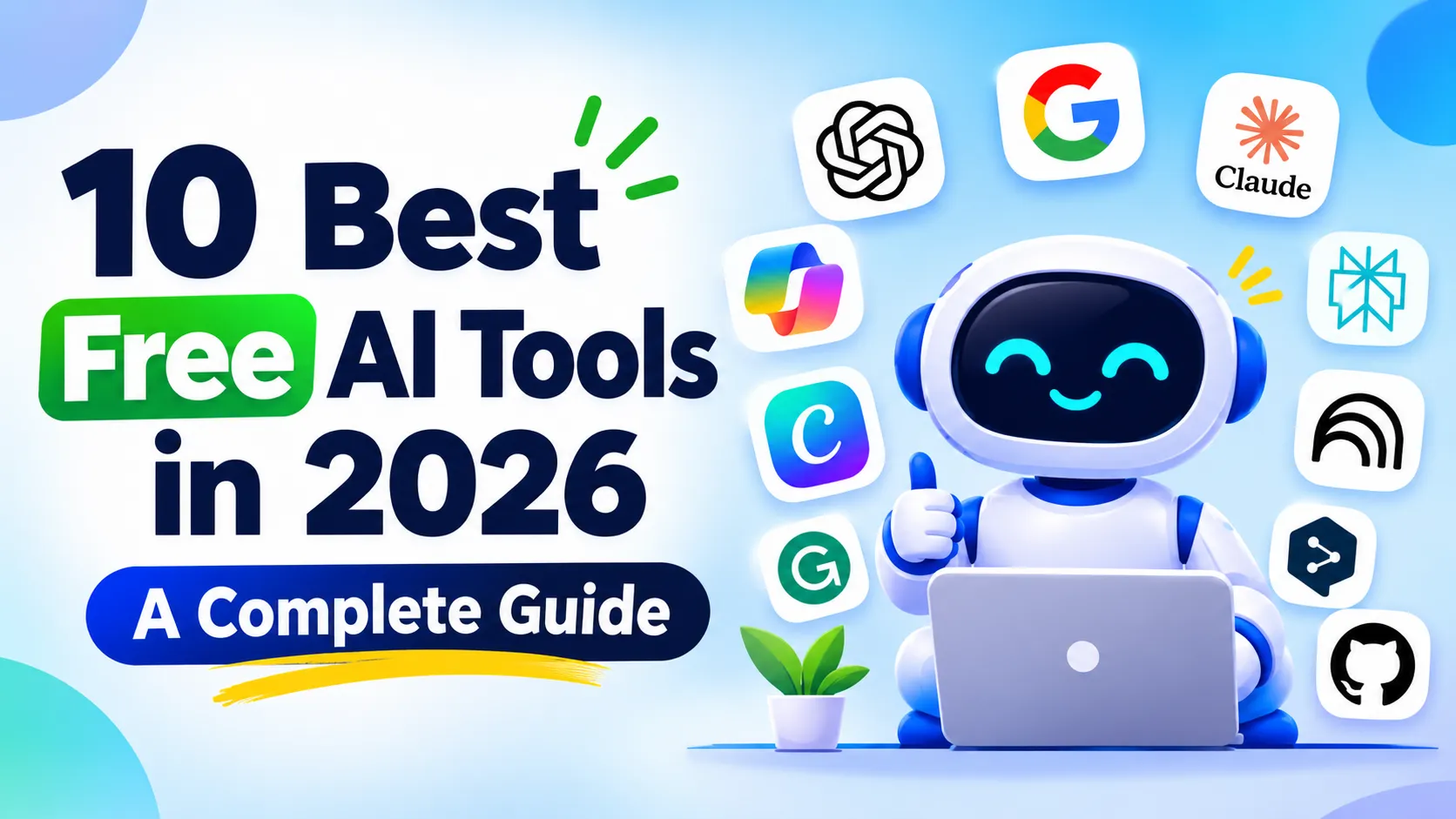
10 Best Free AI Tools in 2026 for Students, Professionals & Developers
10 Best Free AI Tools in 2026 for Students, Professionals & Developers
Artificial Intelligence (AI) is changing how people work, study, create content, and solve everyday problems. From writing emails and researching information to designing graphics and developing software, AI tools can help complete many tasks faster and more efficiently.
The good news is that you don't always need an expensive subscription to benefit from AI. Many popular platforms offer free plans that provide useful features for students, professionals, content creators, and developers.
In this guide, we will explore the 10 best free AI tools in 2026, explain what each platform offers, highlight its free features and limitations, and help you choose the right AI tool for your needs.
Quick Comparison: 10 Best Free AI Tools in 2026
| AI Tool | Best For | Free Plan |
|---|---|---|
| ChatGPT | Writing, coding, and everyday assistance | Yes, with limits |
| Google Gemini | Research and productivity | Yes, with limits |
| Claude | Writing and document analysis | Yes, with limits |
| Microsoft Copilot | Web research and productivity | Yes |
| Perplexity AI | Online research | Yes, with limits |
| NotebookLM | Studying and document research | Yes, with limits |
| Canva AI | Graphic design and presentations | Yes, with limits |
| Grammarly | Grammar and writing assistance | Yes, with limits |
| DeepL | Language translation | Yes, with limits |
| GitHub Copilot | Programming and coding | Yes, with limits |
1. ChatGPT – Best AI Tool for Everyday Tasks
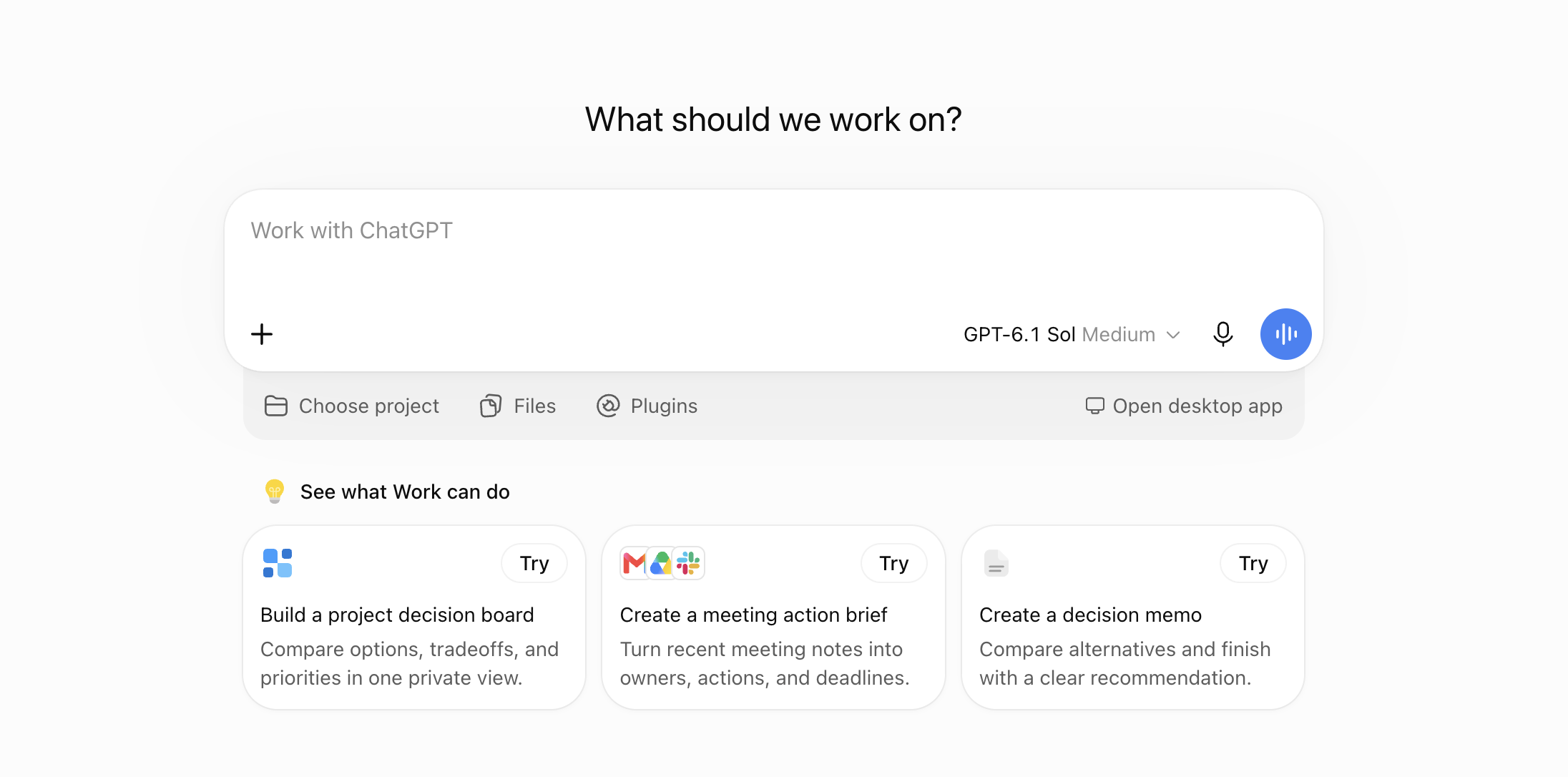
ChatGPT is a general-purpose AI assistant developed by OpenAI. It can help users with writing, research, programming, brainstorming, learning, and many other everyday tasks.
Whether you are a student preparing an assignment, a professional writing an email, or a developer debugging code, ChatGPT can assist with a wide range of activities.
Main Features
- Generate articles, emails, summaries, and other written content.
- Explain difficult subjects in simple language.
- Write, review, and debug programming code.
- Help with research and brainstorming.
- Analyze supported uploaded files and images.
- Assist with planning, calculations, and productivity.
Free Plan and Limitations
ChatGPT offers a free plan that includes text conversations and access to various AI features. However, file uploads, image creation, voice conversations, deep research, and certain advanced capabilities have usage limits. Access to some features may also depend on availability and account eligibility.
Who Should Use ChatGPT?
Students, bloggers, developers, business owners, and professionals who need a versatile AI assistant can benefit from ChatGPT.
Official Website: https://chatgpt.com/
Pricing: View ChatGPT Plans
2. Google Gemini – Best for Research and Productivity

Google Gemini is Google's AI assistant that helps users understand information, generate content, explore ideas, and complete everyday tasks.
Gemini is useful for people who regularly work with information and need assistance understanding complicated topics. It can also help with coding, writing, brainstorming, and supported image-related tasks.
Main Features
- Answer questions and explain complicated topics.
- Generate and improve written content.
- Help with programming and debugging.
- Assist with research and brainstorming.
- Understand supported image and file inputs.
- Provide access to supported Google productivity features.
Free Plan and Limitations
Google Gemini offers a free plan that can be accessed with a Google Account. Free users can access everyday AI assistance and selected features, including writing, research, and other supported capabilities.
However, access to advanced models, higher usage limits, and certain premium features requires an eligible paid plan. The available limits can vary depending on the feature and account.
Who Should Use Google Gemini?
Students, researchers, professionals, and people who already use Google services can benefit from Gemini.
Official Website: https://gemini.google.com/
Pricing: View Google AI Plans
3. Claude – Best for Writing and Document Analysis
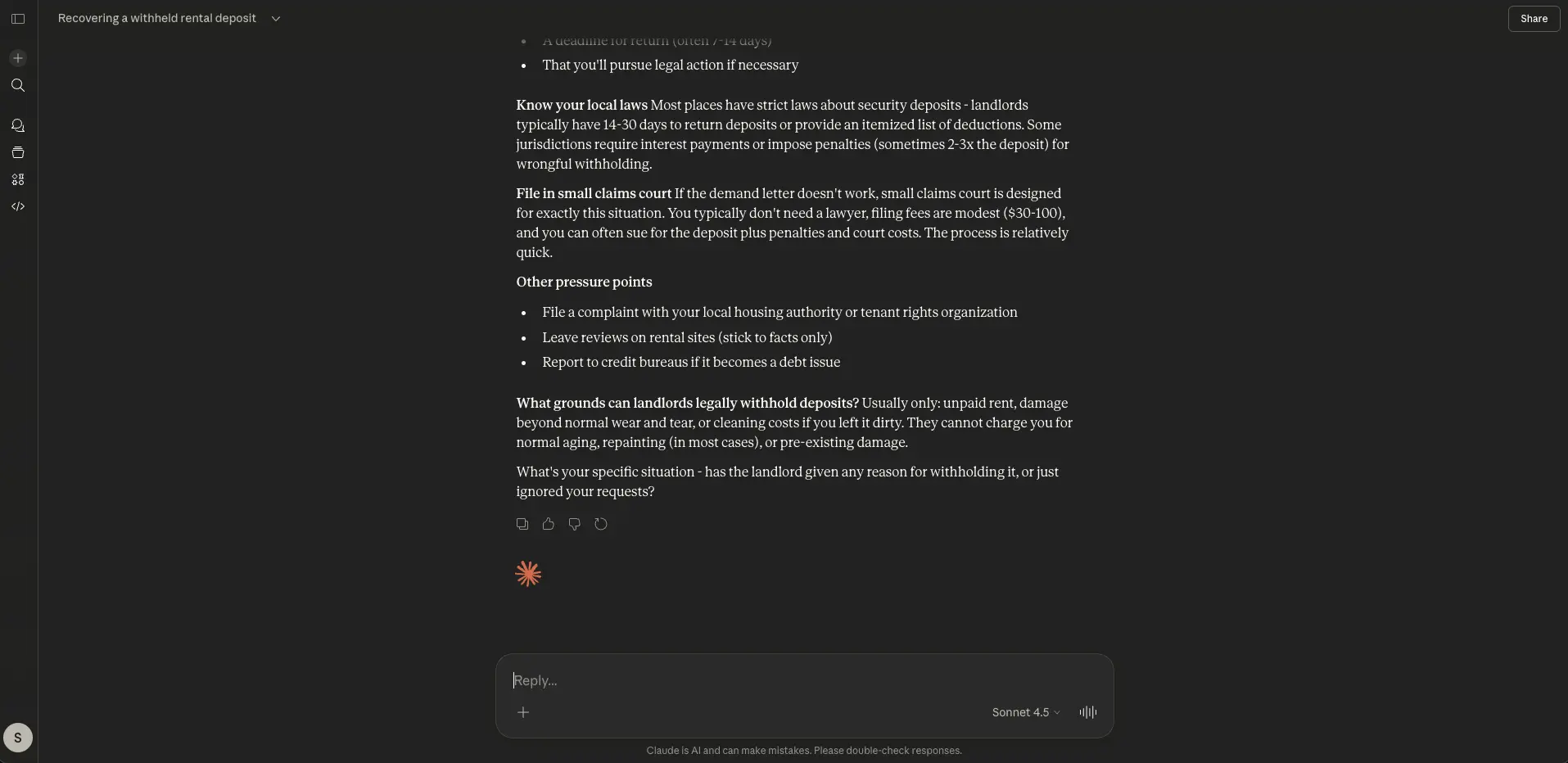
Claude, developed by Anthropic, is an AI assistant designed to help users with writing, reasoning, coding, and working with documents.
It can be particularly useful when you need to organize large amounts of information, improve written content, or understand complex material.
Main Features
- Write and edit articles, reports, and professional documents.
- Summarize supported documents and long texts.
- Explain technical and academic concepts.
- Generate and review programming code.
- Help organize ideas and develop project plans.
- Assist with analyzing information and solving problems.
Free Plan and Limitations
Claude offers a free plan with access to its AI assistant on web, desktop, and mobile. Free users can also access supported features such as web search, file creation, code execution, and Artifacts.
The main limitation is usage. Free accounts have restricted usage within five-hour periods and weekly limits. The amount of usage available can depend on model selection, conversation length, and file sizes.
Who Should Use Claude?
Writers, students, researchers, and software developers can use Claude for writing assistance, document analysis, and coding tasks.
Official Website: https://claude.ai/
Pricing: View Claude Plans
4. Microsoft Copilot – Best for Everyday Productivity

Microsoft Copilot is an AI assistant from Microsoft that helps users find information, generate content, understand topics, and complete everyday tasks.
It is particularly useful for people who work with Windows and Microsoft's productivity ecosystem.
Main Features
- Answer general questions and explain information.
- Generate and rewrite written content.
- Help with brainstorming and planning.
- Assist with web-based research.
- Summarize supported web pages.
- Support image generation and other AI features where available.
Free Plan and Limitations
Microsoft Copilot is available free of charge through its website and supported applications. Users can ask questions, get web-based answers, generate written content, and use supported image-generation features.
However, free Copilot should not be confused with Microsoft 365 Copilot. Advanced integrations with Word, Excel, PowerPoint, and other Microsoft 365 services may require an eligible subscription or license.
Who Should Use Microsoft Copilot?
Students, office workers, business professionals, and Windows users can use Copilot to improve their daily productivity.
Official Website: https://copilot.microsoft.com/
More Information: Free Copilot vs Microsoft 365 Copilot
5. Perplexity AI – Best for Online Research

Perplexity AI is an AI-powered search and research platform that helps users find information from online sources.
Unlike traditional search engines that mainly provide a list of links, Perplexity generates conversational answers and includes references to sources that users can explore further.
Main Features
- Search for information using natural-language questions.
- Generate answers with source references.
- Explore topics through follow-up questions.
- Summarize information from supported sources.
- Help with academic and general research.
- Compare information from multiple sources.
Free Plan and Limitations
Perplexity offers a free Standard plan that includes basic searches and citations in answers. Basic searches are available for everyday research, while Pro Searches and access to advanced AI models are restricted.
File uploads and certain advanced research features also have limitations on the free plan.
Who Should Use Perplexity AI?
Students, journalists, researchers, bloggers, and professionals who regularly search for information can benefit from Perplexity.
Official Website: https://www.perplexity.ai/
Pricing: View Perplexity Plans
6. NotebookLM – Best AI Tool for Students and Document Research
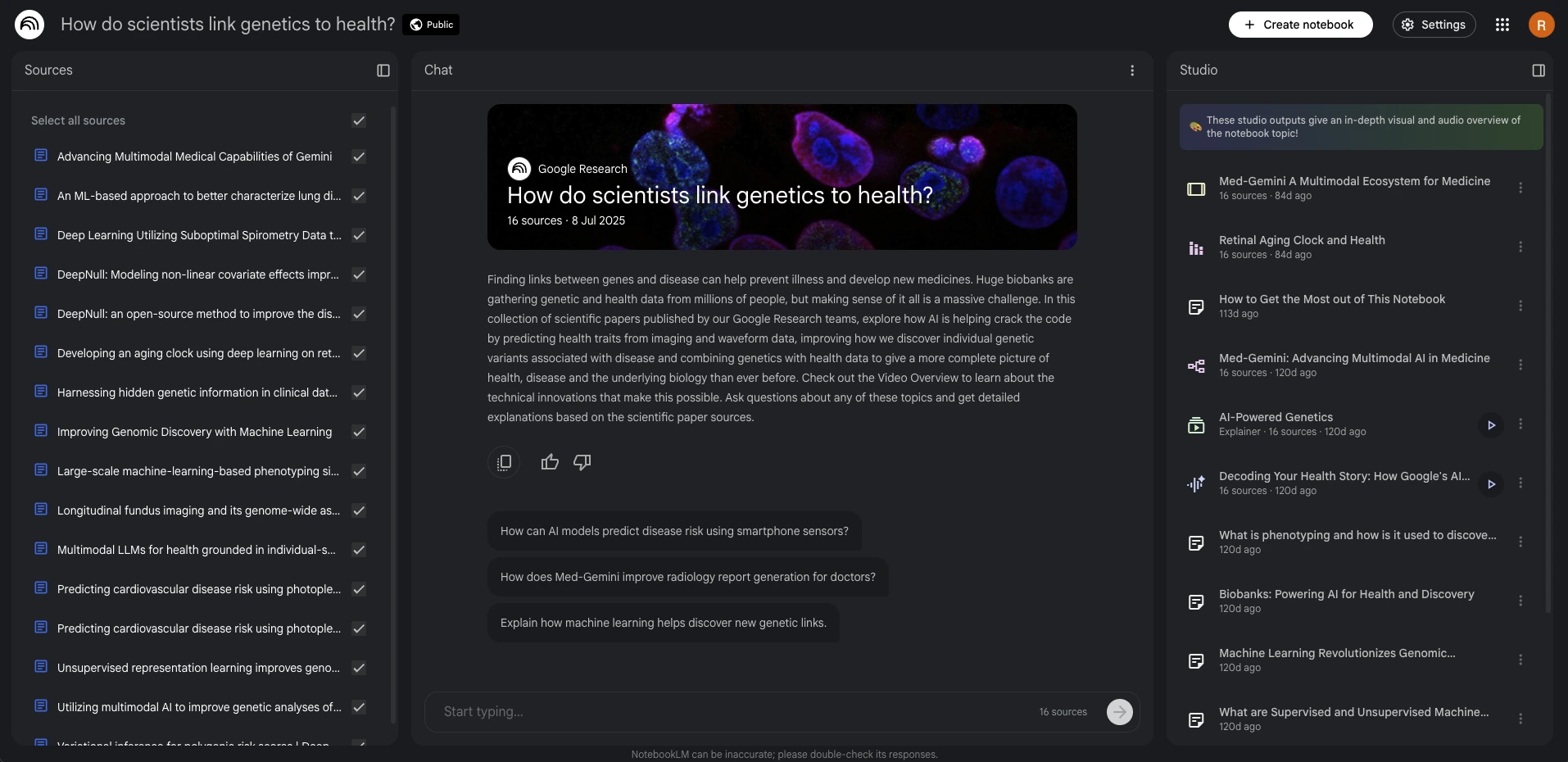
Google NotebookLM is an AI-powered research and learning assistant that helps users understand information from documents and other supported sources they provide. Google is also bringing its notebook experience into Gemini.
Instead of relying only on general knowledge, NotebookLM focuses on the sources added to a notebook. This makes it useful for studying, reviewing research material, and organizing information.
Main Features
- Upload and analyze supported documents.
- Generate summaries of study materials.
- Ask questions about uploaded sources.
- Create study guides and frequently asked questions.
- Generate audio overviews and other supported learning materials.
- Organize research material into separate notebooks.
Free Plan and Limitations
NotebookLM offers a free Standard plan that can be accessed using a Google Account. According to Google's published plan comparison, the Standard plan supports up to 100 notebooks per user and 50 sources per notebook.
Some advanced sharing capabilities and higher usage limits are available through eligible paid plans. AI usage limits may also change over time.
Who Should Use NotebookLM?
University students, teachers, researchers, and professionals who work with large documents can use NotebookLM to understand and organize information.
Official Website: https://notebooklm.google.com/
Usage Limits: Google's Official Plan Comparison
7. Canva AI – Best for Graphic Design and Presentations

Canva is an online graphic design platform that includes AI-powered tools for creating and editing visual content.
Users can create social media posts, presentations, posters, thumbnails, and other designs without needing advanced graphic design skills.
Main Features
- Create designs using customizable templates.
- Generate visual content using supported AI features.
- Create presentations and social media graphics.
- Edit images using available AI tools.
- Design YouTube thumbnails and promotional materials.
- Collaborate with other users on design projects.
Free Plan and Limitations
Canva provides a free plan with access to thousands of templates, design elements, and basic editing tools. Free users can also access selected AI features, including some Magic Write and image-generation capabilities, subject to monthly usage allowances.
More advanced AI tools, premium assets, and certain editing features require a paid subscription. The availability and allowance of individual AI features depend on the tool and plan.
Who Should Use Canva AI?
Content creators, students, marketers, bloggers, and small business owners can use Canva to create professional-looking designs.
Official Website: https://www.canva.com/
Pricing: View Canva Plans
8. Grammarly – Best for Writing and Grammar Correction
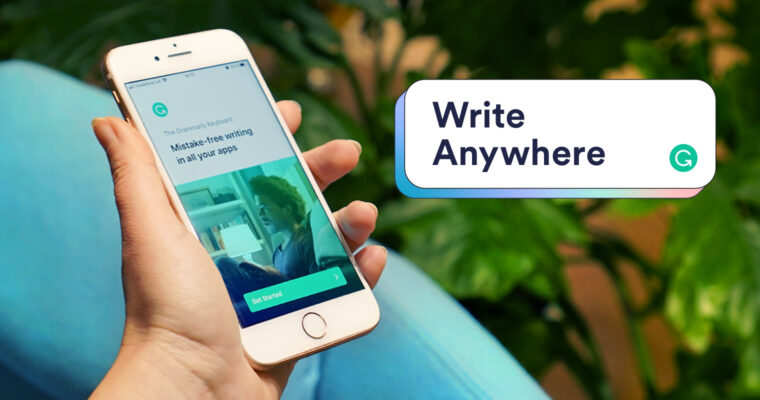
Grammarly is an AI-powered writing assistant that helps users improve their grammar, spelling, punctuation, and writing clarity.
It is especially useful for people who write emails, assignments, reports, blog posts, and professional documents in English.
Main Features
- Identify spelling and grammar mistakes.
- Improve sentence clarity and readability.
- Suggest corrections for punctuation.
- Help improve writing tone.
- Provide writing assistance across supported websites and applications.
- Offer additional AI writing features depending on the plan.
Free Plan and Limitations
Grammarly offers a free plan that includes basic grammar and spelling assistance, writing-tone suggestions, and access to 100 AI prompts.
Advanced rewriting, additional personalized suggestions, plagiarism detection, and other premium features require a paid subscription.
Who Should Use Grammarly?
Students, bloggers, content writers, professionals, and anyone who writes in English can benefit from Grammarly.
Official Website: https://www.grammarly.com/
Pricing: View Grammarly Plans
9. DeepL – Best for Language Translation
DeepL is an AI-powered translation platform that helps users translate text and supported documents between different languages.
It is useful for students, international businesses, content creators, and professionals who communicate with people from different language backgrounds.
Main Features
- Translate text between supported languages.
- Understand context and sentence structure.
- Translate supported documents.
- Suggest alternative translations.
- Improve translated text using available writing features.
- Support communication across different languages.
Free Plan and Limitations
DeepL provides a free translation service with restrictions on usage. Its published free-plan comparison lists up to 50,000 characters per month for text translation and one file translation per month, with a maximum file size of 5 MB.
Additional features, higher limits, advanced customization, and stronger data-protection options are available through paid plans.
Who Should Use DeepL?
Students, translators, international professionals, and people who frequently work with foreign-language content can use DeepL.
Official Website: https://www.deepl.com/
Pricing: View DeepL Plans
10. GitHub Copilot – Best AI Tool for Programmers and Developers
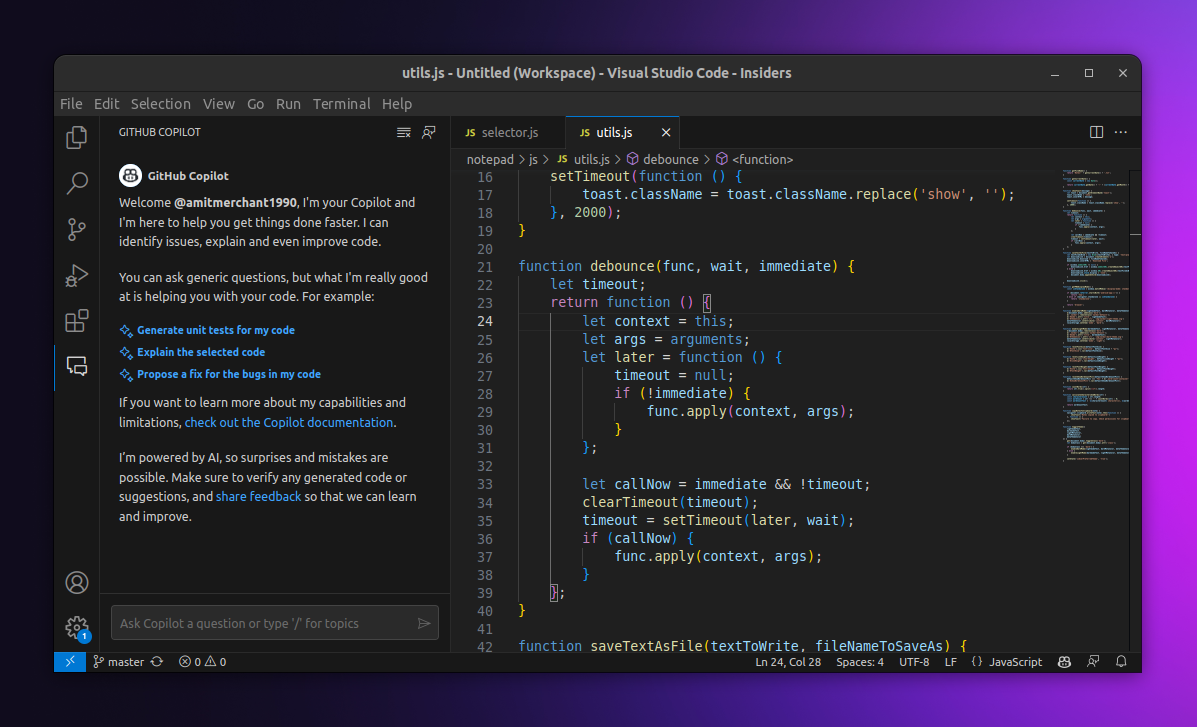
GitHub Copilot is an AI-powered coding assistant designed to help software developers write, understand, and improve programming code.
It integrates with supported development environments and can suggest code while developers work on their projects.
Main Features
- Suggest code while typing.
- Generate code from natural-language instructions.
- Explain existing programming code.
- Help identify and fix programming errors.
- Assist with code refactoring.
- Support multiple programming languages and development environments.
Free Plan and Limitations
GitHub Copilot offers a Free plan for individual developers. Its published plan includes 2,000 code completions per month and limited chat and agent usage.
Some advanced models, higher usage allowances, and additional developer features require a paid subscription.
Who Should Use GitHub Copilot?
Software developers, computer science students, programmers, and engineering students can use GitHub Copilot to assist with coding and software development.
Official Website: https://github.com/features/copilot
Pricing: View GitHub Copilot Plans
How to Choose the Right Free AI Tool?
With so many AI platforms available, choosing the right one depends on the task you want to complete. You do not need to use every AI tool. Start with the platform that best matches your requirements.
| Your Requirement | Recommended AI Tool |
|---|---|
| Writing articles and generating ideas | ChatGPT or Claude |
| Researching information | Perplexity AI or Gemini |
| Studying PDFs and documents | NotebookLM |
| Creating graphics and presentations | Canva AI |
| Checking grammar and spelling | Grammarly |
| Translating languages | DeepL |
| Writing and debugging code | GitHub Copilot |
| Everyday productivity | ChatGPT or Microsoft Copilot |
How AI Tools Can Improve Your Content Creation Workflow
AI tools are not limited to writing and research. They can also help content creators plan, design, and publish digital content more efficiently.
For example, you can use ChatGPT to brainstorm blog topics, Perplexity to research information, Grammarly to review grammar, and Canva to design a featured image or social media graphic.
If you also create short-form videos, you can explore our guide on AI Video Tools for TikTok and Reels to learn more about automating parts of your video creation workflow.
For website owners and developers, understanding programming and website performance is equally important. Our article Why the Web Is Still Slow and Broken Despite JavaScript explores some of the performance challenges affecting modern websites.
Are Free AI Tools Good Enough?
For many everyday tasks, free AI tools are more than sufficient. You can write content, research topics, translate text, create designs, and get programming assistance without immediately purchasing a subscription.
However, free plans usually come with certain limitations. These can include:
- Usage limits: Some platforms restrict the number of messages, searches, or AI generations.
- Limited features: Advanced models and specialized tools may require paid subscriptions.
- File restrictions: Some services limit file uploads, document sizes, or supported formats.
- Processing limits: Certain tasks may have daily, weekly, or monthly usage allowances.
Before purchasing a subscription, try the free version and determine whether its features meet your requirements.
Important Tips for Using AI Tools Safely
AI tools can save time, but their output should not always be trusted without verification. Follow these basic practices:
- Verify important facts using reliable sources.
- Do not share passwords, financial information, or confidential documents with AI tools.
- Review AI-generated code before using it in real projects.
- Check the accuracy of translations before publishing or submitting them.
- Review the privacy policy and data settings of each platform.
- Follow copyright and licensing requirements when using AI-generated content and images.
For additional online safety information, read our guide on How Do Hackers Get Your Passwords? to understand common techniques used to steal login credentials and how to protect your accounts.
Frequently Asked Questions (FAQs)
1. What is the best free AI tool in 2026?
There is no single best AI tool for everyone. ChatGPT and Gemini are useful general-purpose assistants, Perplexity is suitable for online research, Canva helps with graphic design, and GitHub Copilot assists with programming.
2. Are free AI tools safe to use?
Most established AI platforms provide privacy and security controls, but users should still review their terms and privacy policies. Avoid uploading passwords, sensitive personal information, or confidential business documents to services without checking their data-handling practices.
3. Can I use free AI tools for professional work?
Yes. Free AI tools can assist with writing, research, programming, design, and other professional tasks. However, check the platform's usage limits, licensing terms, and commercial-use conditions before using its output in business projects.
4. Do free AI tools have daily usage limits?
Some platforms have daily, weekly, or monthly usage limits. The restrictions vary by service and may depend on the model, feature, and account type.
5. Can AI tools replace human work?
AI tools can automate certain repetitive tasks and improve productivity, but they cannot reliably replace human judgment, expertise, creativity, and fact-checking in every situation.
Final Thoughts
AI tools have become useful resources for students, professionals, developers, and content creators. Whether you want to write better articles, research information, create graphics, translate languages, or develop software, there is an AI platform that can help.
For general tasks, ChatGPT and Google Gemini are useful starting points. Students can explore NotebookLM, designers can try Canva, and programmers can benefit from GitHub Copilot. Meanwhile, Perplexity and DeepL are useful for research and translation.
The best approach is to choose tools based on your actual needs, explore their free plans, and use AI as an assistant rather than relying on it to make every decision.
Which of these AI tools do you use most often? Share your experience in the comments and let us know if there is another useful free AI tool we should include in this list.
Frequently Asked Questions
Is this guide beginner friendly?
Yes. This tutorial is written step-by-step for beginners.
Does this work in 2026?
Yes. This article is updated regularly with latest changes.
Where can I learn more?
Browse more tutorials on LoopGuy.





Comments (0)
No comments yet. Be the first to comment!
Leave a Comment