How to Spot Deepfake Voice Calls and Scam Messages in 2026 (and What to Do If You Fall for One)
How to Spot Deepfake Voice Calls and Scam Messages in 2026 (and What to Do If You Fall for One)
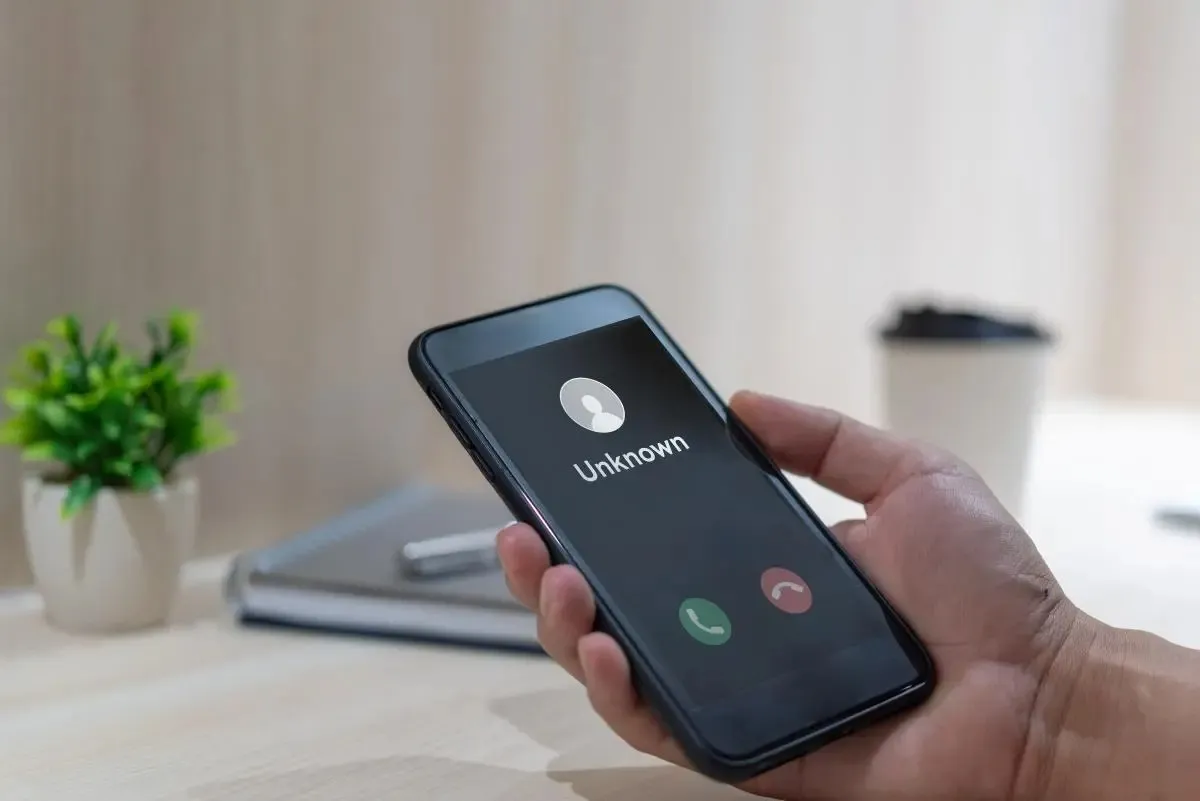
Your phone rings. It’s your brother, and he sounds panicked. He needs money right now. The voice is his, the tone is his, even the way he says your name is the same. But it isn’t him. It’s an AI clone built from a few seconds of audio taken from a social media video. This guide explains how deepfake voice calls and scam messages work, the warning signs to look for, and exactly what to do if you have already fallen for one.
What Is a Deepfake Voice Call?
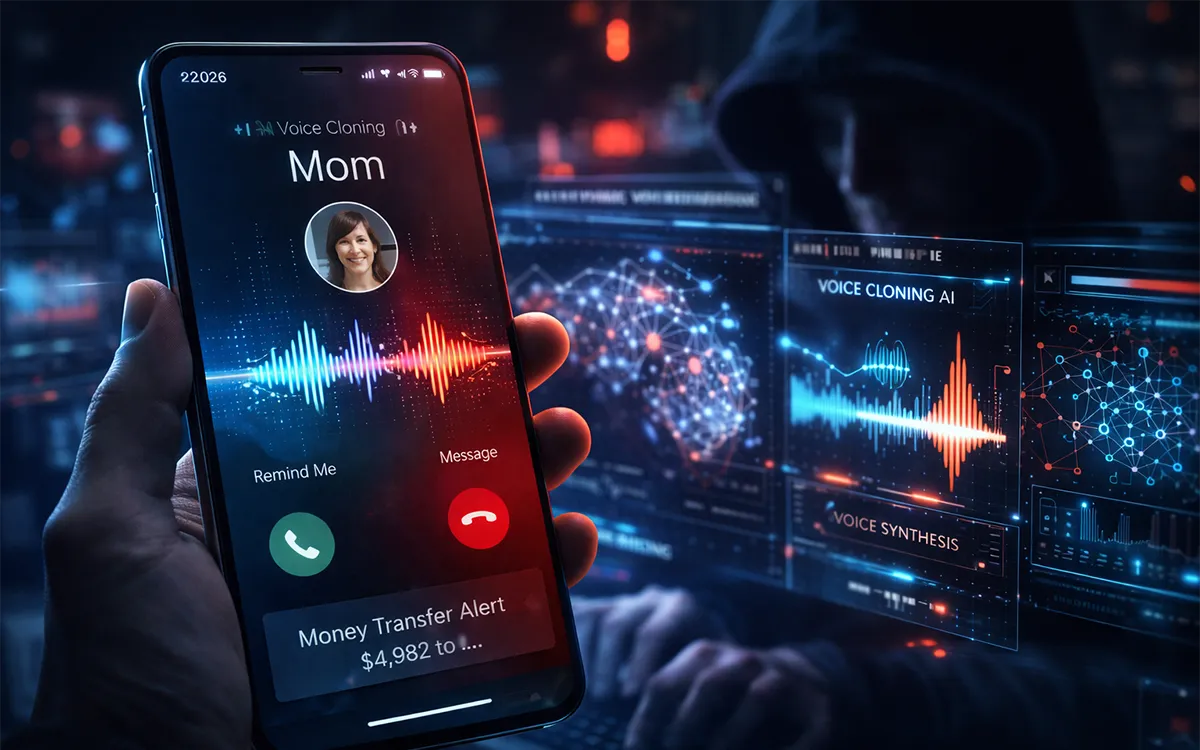
A deepfake voice call uses AI voice-cloning tools to copy how a real person sounds. Scammers only need a short sample, which they can often get from Instagram reels, YouTube videos, TikToks, voice notes or even a past phone call. They then type or speak what they want, and the AI says it in the cloned voice.
These calls are usually combined with urgency and fear. The goal is always the same: make you act before you think.
Common Types of AI Voice and Message Scams
- Family emergency scam: a “relative” says they are in an accident, arrested or stranded and need money immediately.
- Fake boss or CEO call: a “manager” asks an employee to urgently transfer money or share login details.
- Bank or mobile wallet impersonation: a caller claims your account is blocked and asks for your OTP, PIN or card details.
- Fake delivery, prize and job messages: SMS or WhatsApp messages with links that steal your passwords or install malware.
- Voice-note scams on WhatsApp: a cloned voice note from a “friend” asking you to send money or recharge credit.
10 Warning Signs of a Deepfake Voice Call
- Extreme urgency. “Do it now, don’t tell anyone.” Real emergencies still allow you to verify.
- Request for money in unusual ways. Gift cards, crypto, mobile credit or transfers to a personal account you don’t recognize.
- Unknown or new number. “I lost my phone, this is my new number” is a classic opener.
- Odd pauses or delays. AI voices can lag slightly when answering unexpected questions.
- Flat or robotic emotion. Breathing, laughter and natural pauses may sound slightly off.
- Background noise that doesn’t fit. A “hospital emergency” with perfect silence, or looping noise.
- The caller avoids personal questions. They can’t answer things only the real person would know.
- Pressure to stay on the line. Scammers don’t want you to hang up and check.
- Requests for OTPs, PINs or passwords. No real bank or app ever asks for these.
- Secrecy demands. “Don’t tell mom” or “don’t tell the bank” is a major red flag.
How to Spot Scam Messages (SMS, WhatsApp, Email)
- Messages with urgent deadlines such as “Your account will be closed in 1 hour.”
- Shortened or strange links that don’t match the official website.
- Spelling mistakes, odd formatting or a generic greeting like “Dear customer.”
- Unexpected prize, refund, job offer or parcel notifications.
- Requests to move the chat to another app or to download a file or APK.
AI has made scam messages cleaner and more convincing, so poor grammar is no longer a reliable sign. Judge the request, not just the writing. Our guide on how AI is changing cybersecurity covers more of these new threats.
How to Verify a Suspicious Call Step by Step

- Stay calm and slow down. Urgency is the scammer’s main weapon.
- Hang up. You are not being rude; you are being safe.
- Call the person back on their saved number, or ask another family member to confirm.
- Ask a private question that only the real person could answer. Avoid anything that can be found on social media.
- Use the official channel. For a bank or wallet, call the number printed on your card or on the official app or website, never the number the caller gives you.
- Don’t send money or codes until you have verified through a second channel.
Set Up a Family Safe Word
A family safe word is one of the simplest and most effective defenses. Choose a word or phrase that is never posted online and agree to ask for it during any emergency money request. Change it if it is ever shared. Teach it to parents and grandparents especially, as they are often targeted.
How to Protect Yourself From Voice Cloning
- Limit public voice and video. Set social media accounts to private where possible.
- Enable two-factor authentication on email, banking, WhatsApp and social accounts. If you want a stronger option, see our upcoming passkeys guide.
- Don’t answer unknown numbers with long conversations. Let them leave a message.
- Turn on spam call and SMS filtering on your Android or iPhone.
- Never share OTPs, PINs or passwords, even with someone who claims to be from support.
- Keep your phone and apps updated to get the latest security fixes.
What to Do If You Fall for a Deepfake Scam
If you have already sent money or shared information, act quickly. Speed matters.
- Contact your bank or wallet provider immediately. Ask them to freeze the transaction or account and report fraud.
- Change your passwords for email, banking and social accounts, starting with email. Turn on two-factor authentication.
- Log out other devices from your WhatsApp, Google and Apple accounts.
- Block and report the number in WhatsApp, Telegram or your phone dialer.
- Save evidence: screenshots, call logs, chat messages, transaction receipts and account numbers.
- Report to the authorities. In Pakistan, you can report cybercrime to the National Cyber Crime Investigation Agency (NCCIA), formerly the FIA Cyber Crime Wing. In other countries, use your national cybercrime or fraud reporting service.
- Warn family and friends so the same scammer cannot reuse the cloned voice on them.
- Scan your phone for malware if you clicked a link or installed an unknown app.
Frequently Asked Questions
Can AI really clone my voice from a short clip?
Yes. Modern voice-cloning tools can produce a convincing copy from a few seconds to a minute of clear audio, which is why limiting public videos and voice notes helps.
How can I tell if a call is a deepfake?
There is no perfect test, so don’t rely on your ears alone. Look for urgency, unusual payment requests and an unfamiliar number, then verify by calling back on a trusted number.
Will my bank ever ask for my OTP or PIN?
No. Banks and mobile wallets never need your OTP, PIN or password over a call or message.
What is the best defense against voice-cloning scams?
Slow down, hang up, verify through a second channel and use a family safe word. These habits work even when the voice sounds perfect.
Final Thoughts
Deepfake voice calls and AI scam messages will keep getting better, but the defense stays simple: pause, verify and never send money or codes under pressure. Share this guide with your family, especially parents and grandparents, and set up a safe word today. For more practical security tips, keep following LoopGuy.
Frequently Asked Questions
Is this guide beginner friendly?
Yes. This tutorial is written step-by-step for beginners.
Does this work in 2026?
Yes. This article is updated regularly with latest changes.
Where can I learn more?
Browse more tutorials on LoopGuy.



Comments (0)
No comments yet. Be the first to comment!
Leave a Comment